Profiles & citations
Profiles and business listings on reputable sites (Google Business Profile, Bing Places, LinkedIn, Yelp, GitHub, Crunchbase and many more) give your brand consistent citations, entity signals and referral traffic. Most of these sites have no publishing API and protect sign-up with email checks and captchas, so you create each profile yourself. SerpTorch does not automate sign-ups, create accounts or read verification emails. SerpTorch makes that fast and keeps track of everything.
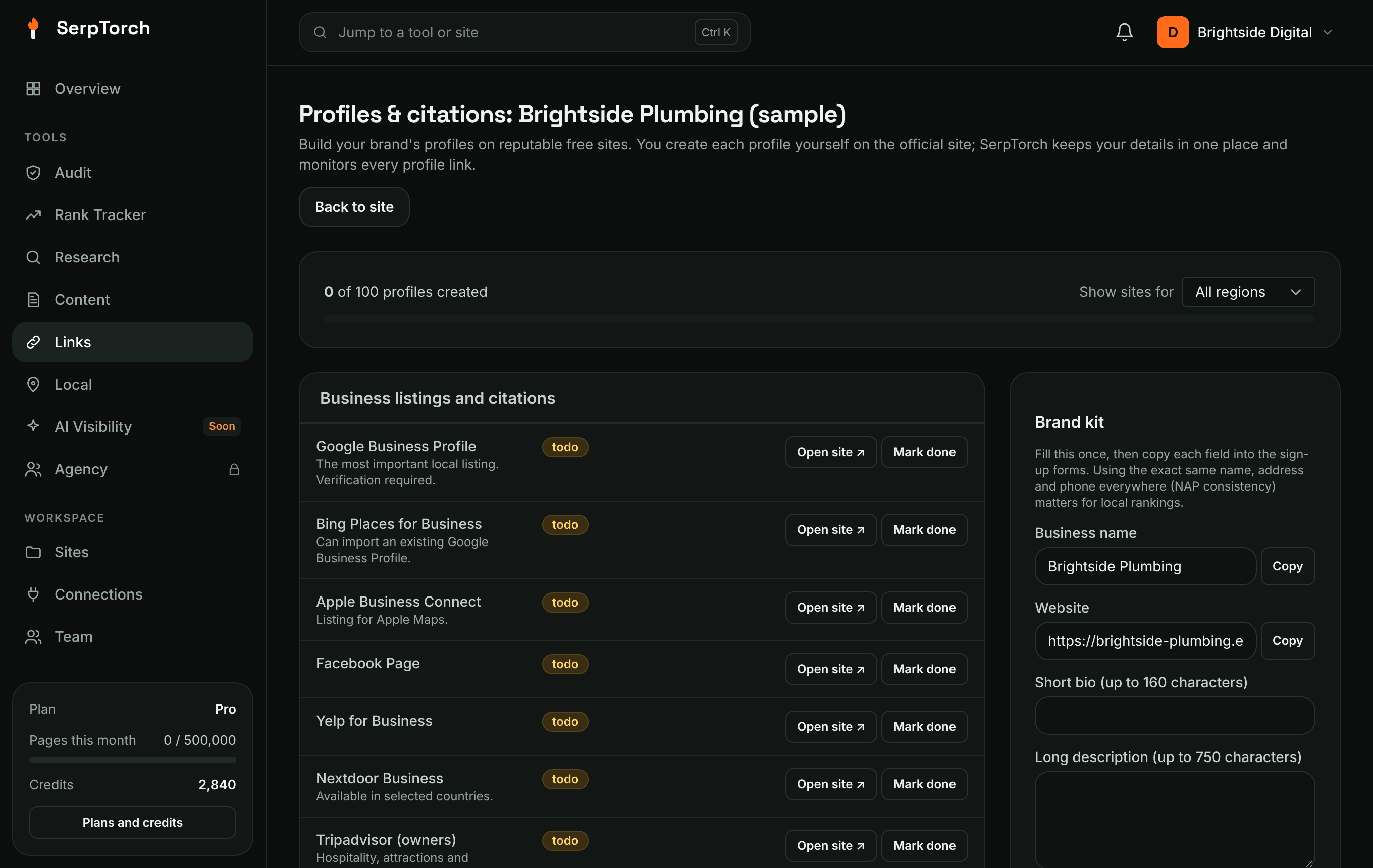
Open the checklist
Open a site and click Profiles & citations. Over 270 sites are listed in 22 groups, by how the link is earned: listings and social profiles, video, podcast and photo platforms, infographic galleries, documents, Q&A and forums, software directories, education and scholarships, events and crowdfunding, press releases and journalist requests, guest author programmes, and paid options. Search the list, filter by group, or show only what is left to do.
Sites marked Paid charge for the placement: sponsored posts, donor pages, writing and outreach services, paid press release distribution. A link you pay for must carry rel="sponsored". Ask the site to add it. Sites that did not answer when the list was checked are switched off until an administrator updates them in Admin > Profile sites.
The groups include:
- business listings and citations
- brand social profiles
- portfolio, media and document sites
- company and startup directories
- community and Q&A profiles
- review platforms
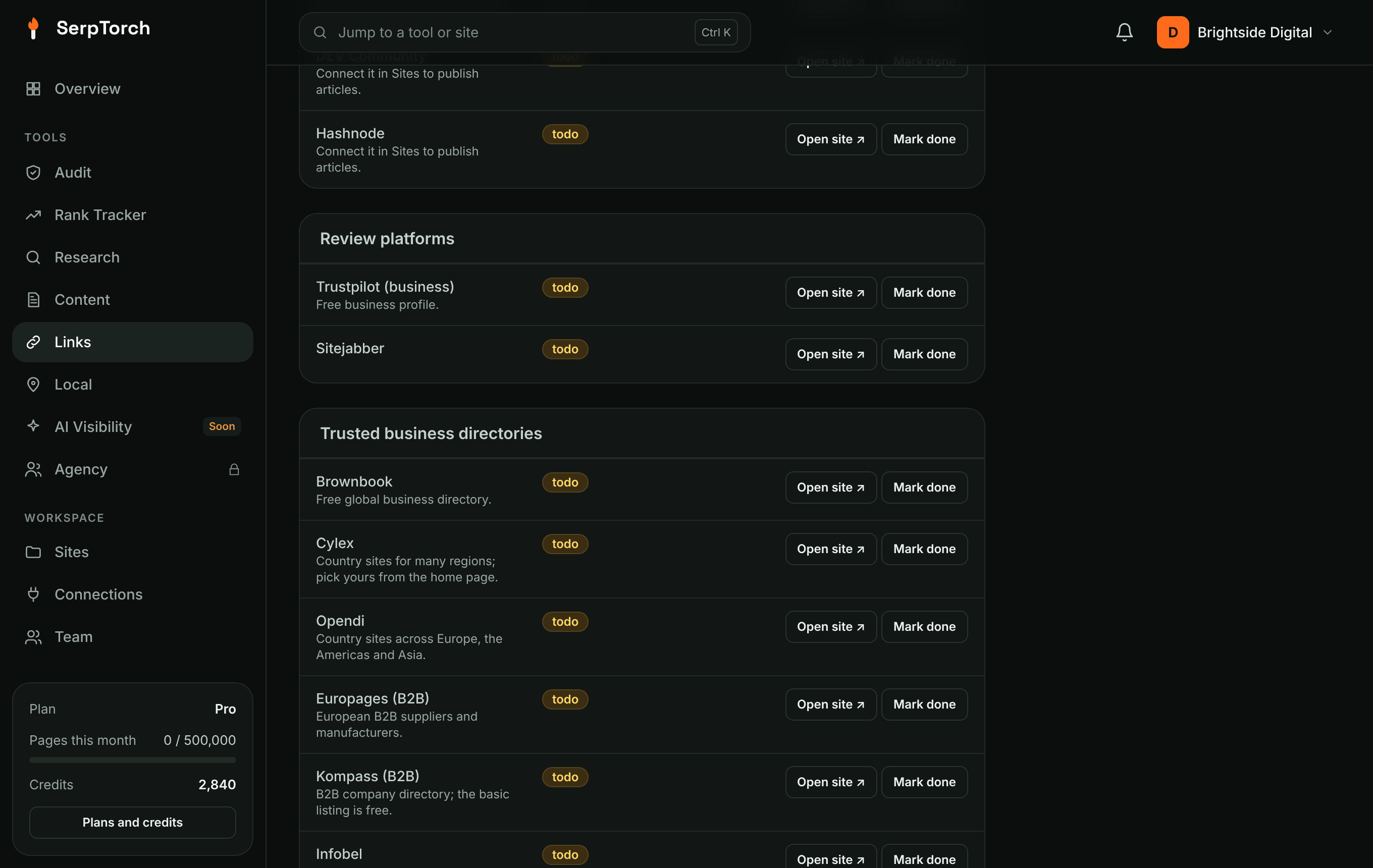
- trusted business directories: well-known general and B2B directories plus the main directories in the US, UK, Canada, Australia and India (for example Brownbook, Cylex, ChamberofCommerce.com, Thomson Local, Yellow Pages Canada, True Local and Justdial)
- industry and niche directories: lawyers (Avvo, Justia, FindLaw), doctors (Healthgrades), trades and home services, real estate agents, wedding vendors, agencies (GoodFirms, DesignRush, UpCity), software (SourceForge, AlternativeTo, SaaSHub, GetApp) and nonprofits (Candid)
Use Show sites for to add country-specific directories (for example US or UK) to the global ones. Only list your business in niche directories that match what you do.
Finding more: the Link gap report in SEO research shows directories and sites that link to your competitors but not to you. Add them to this checklist in one click.
1. Fill the brand kit once
The Brand kit panel holds your business name, website, short bio, long description, phone, email, address, hours, categories and logo URL. Each saved field has a Copy button, so you can paste the exact same details into every sign-up form.
Keeping name, address and phone identical everywhere (NAP consistency) is one of the strongest local SEO signals.
2. Create each profile
- Click Open site ↗. The official sign-up page opens in a new tab.
- Create the profile with the details from your brand kit. Complete it fully: logo, description, website link, hours, photos.
- Back in SerpTorch, click Mark done, paste your profile URL, choose Created and Save. Choose Skip this site if it does not fit your business.
Have a profile somewhere else, such as an industry association or chamber of commerce? Add it under Other sites.
3. Monitoring
Every saved profile becomes a link in the Link monitor, checked on the normal schedule. Its status means:
| Status | Meaning |
|---|---|
| live | The page loads and your link is in its HTML. The monitor also shows dofollow or nofollow. |
| unverified | The page loads, but the link is not in the HTML. Many social sites build profiles with JavaScript, so check it by eye. |
| lost | The page is gone or returns an error. |
Good practice
- Add a few profiles a week rather than dozens in one day.
- Only list a business where it really operates, and never create fake reviews.
- Many profile links are nofollow. They still help with brand searches, local citations and referral traffic. SerpTorch shows the real status of each link instead of promising "high DA dofollow" links.