Clients, portal and reports
The portfolio, report builder, client logins, action plans, profitability and your own domain are described in Agency.
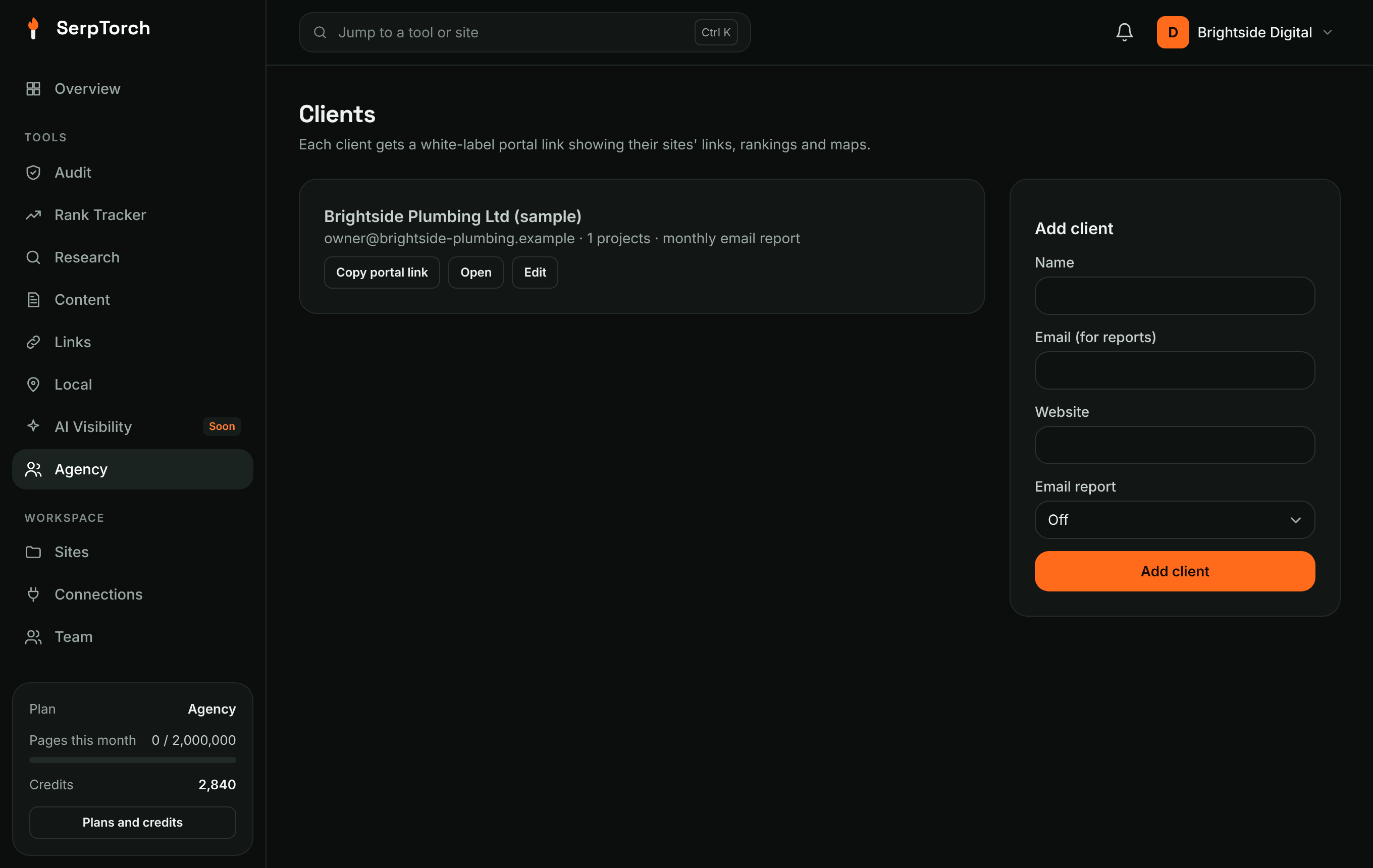
Clients
Clients → Add client, then assign sites to the client from each site's Edit page.
Each client has a private portal link that shows, with your branding:
- their sites and live link counts
- Google rankings
- links to their Local Grid heatmaps
- the latest 200 links built
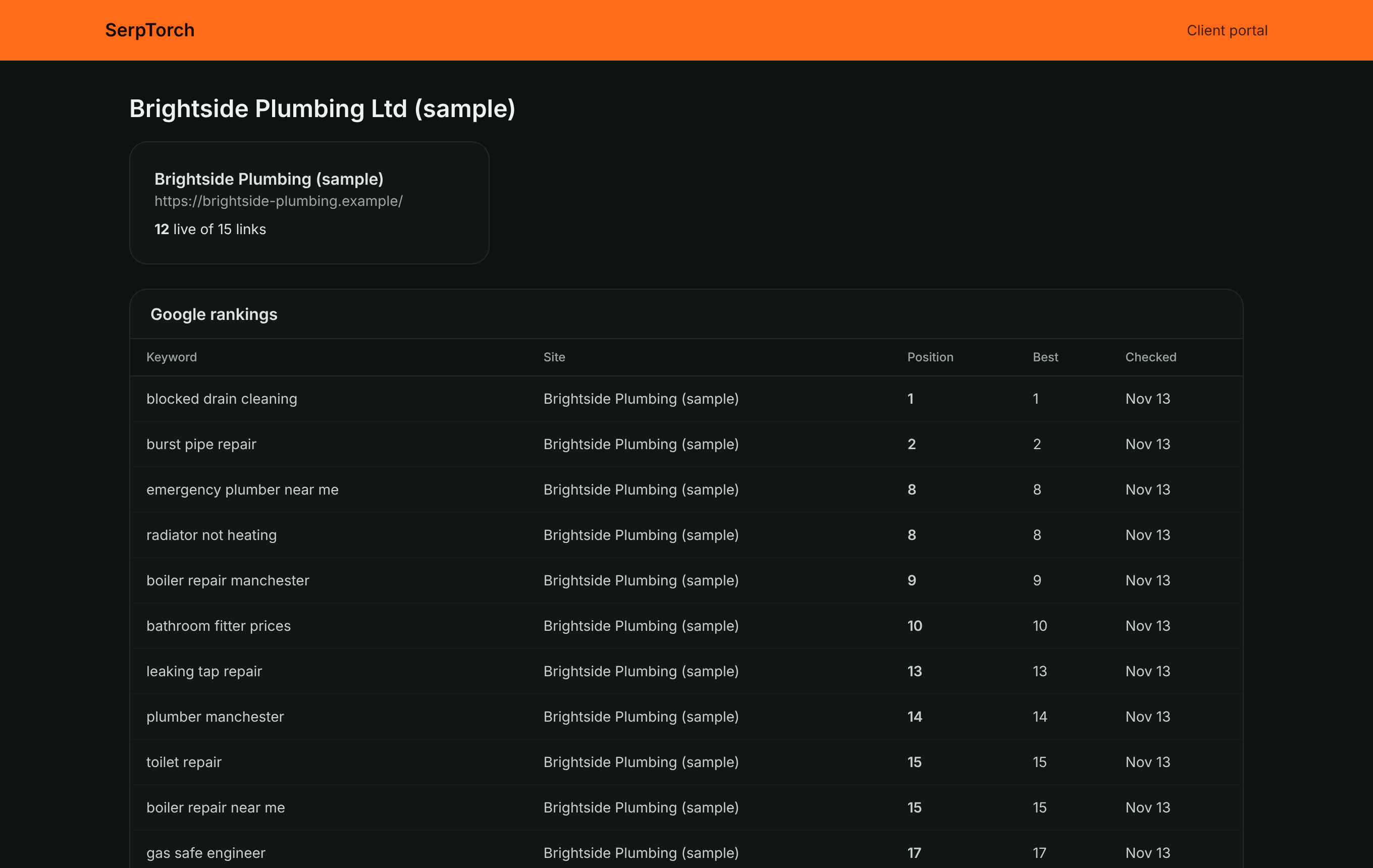
New portal link invalidates the old one. Turn on a weekly or monthly email report to send the client a summary with the portal link (email must be configured by the administrator).
Printable reports
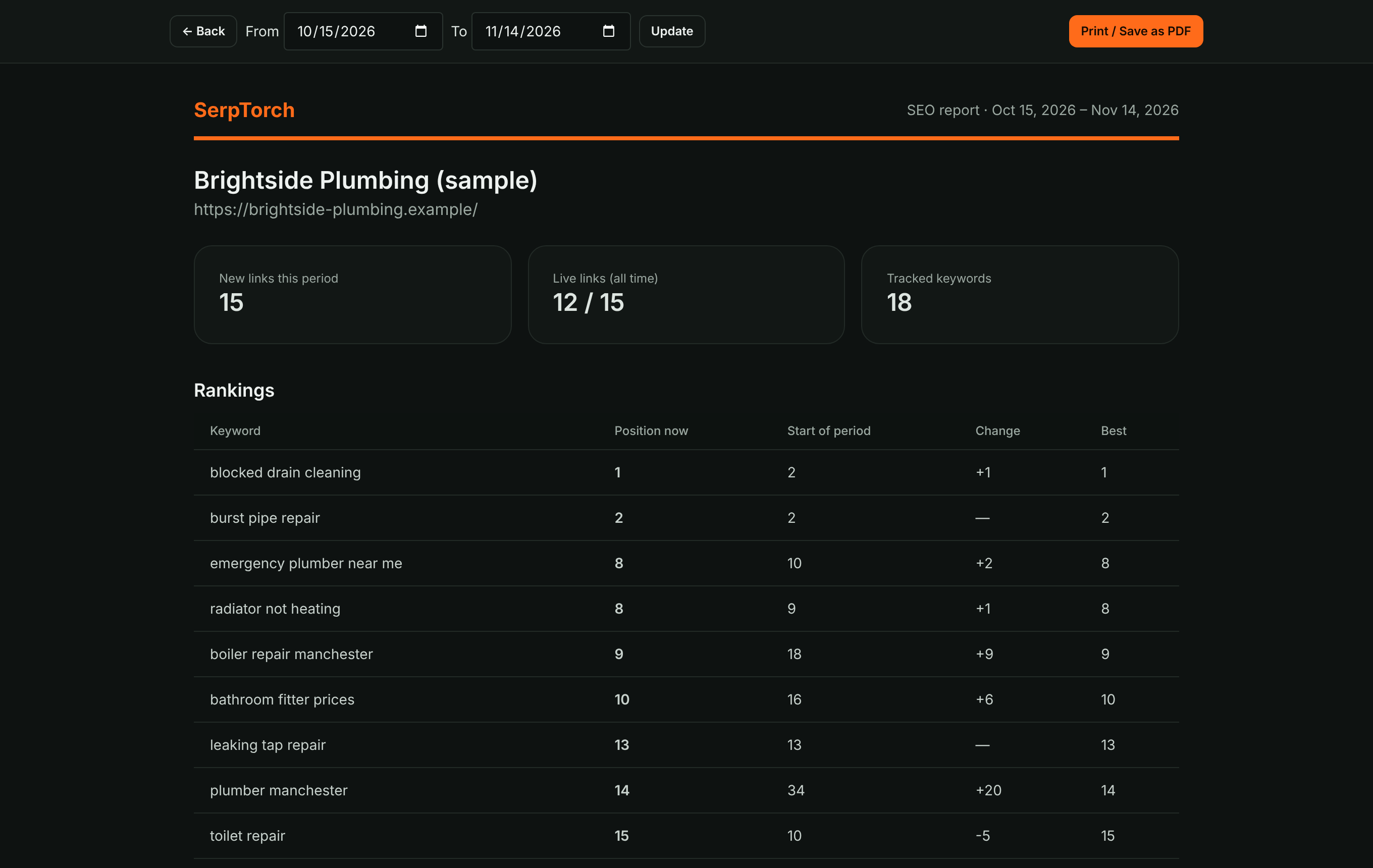
Open a site and click Report. Choose the date range and click Print / Save as PDF to save a white-label PDF from your browser.
White-label branding
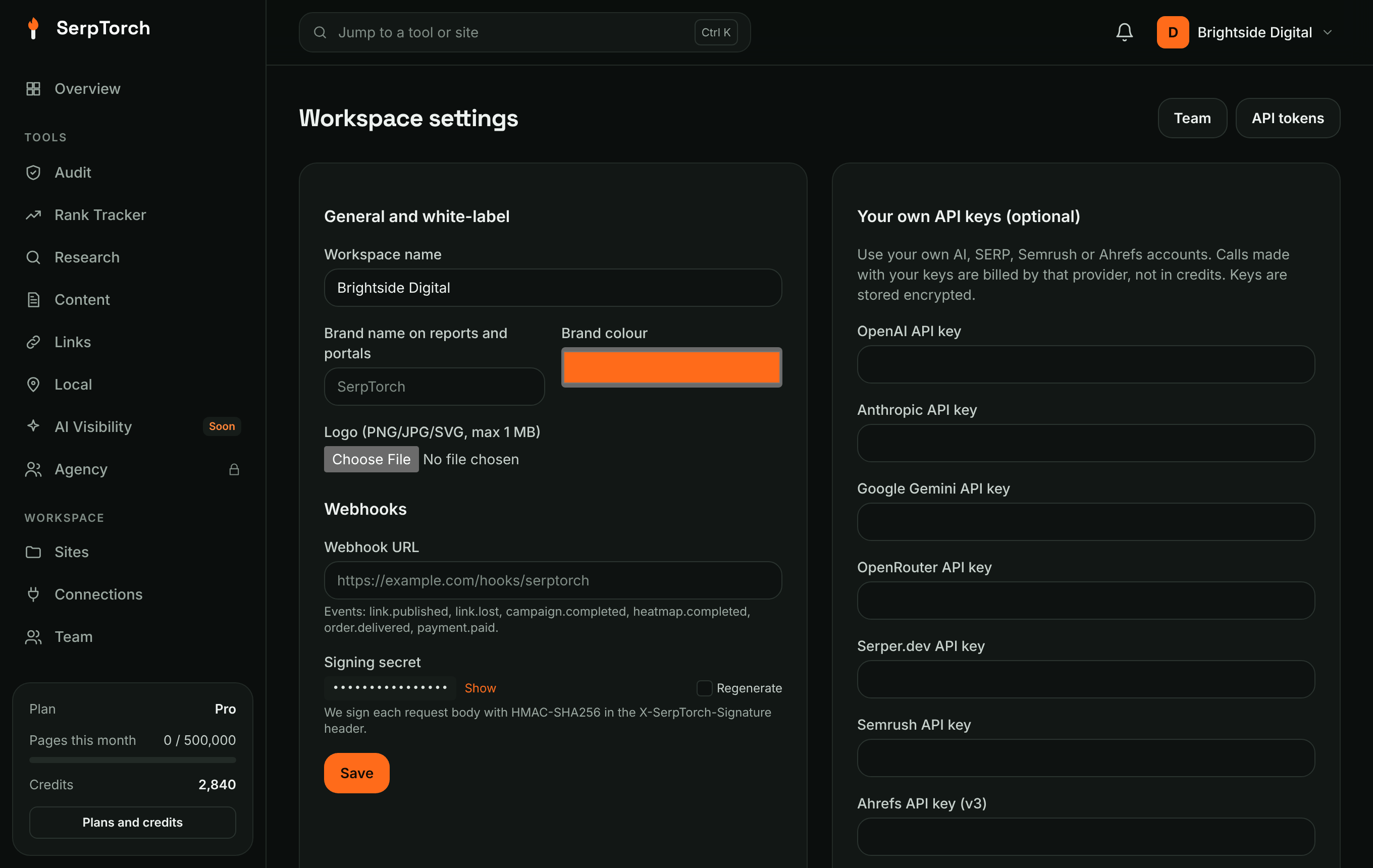
Settings → General and white-label: brand name, brand colour and logo are used on portals, reports and heatmap share pages.